The countdown is on – Long Beach Gives 2026!
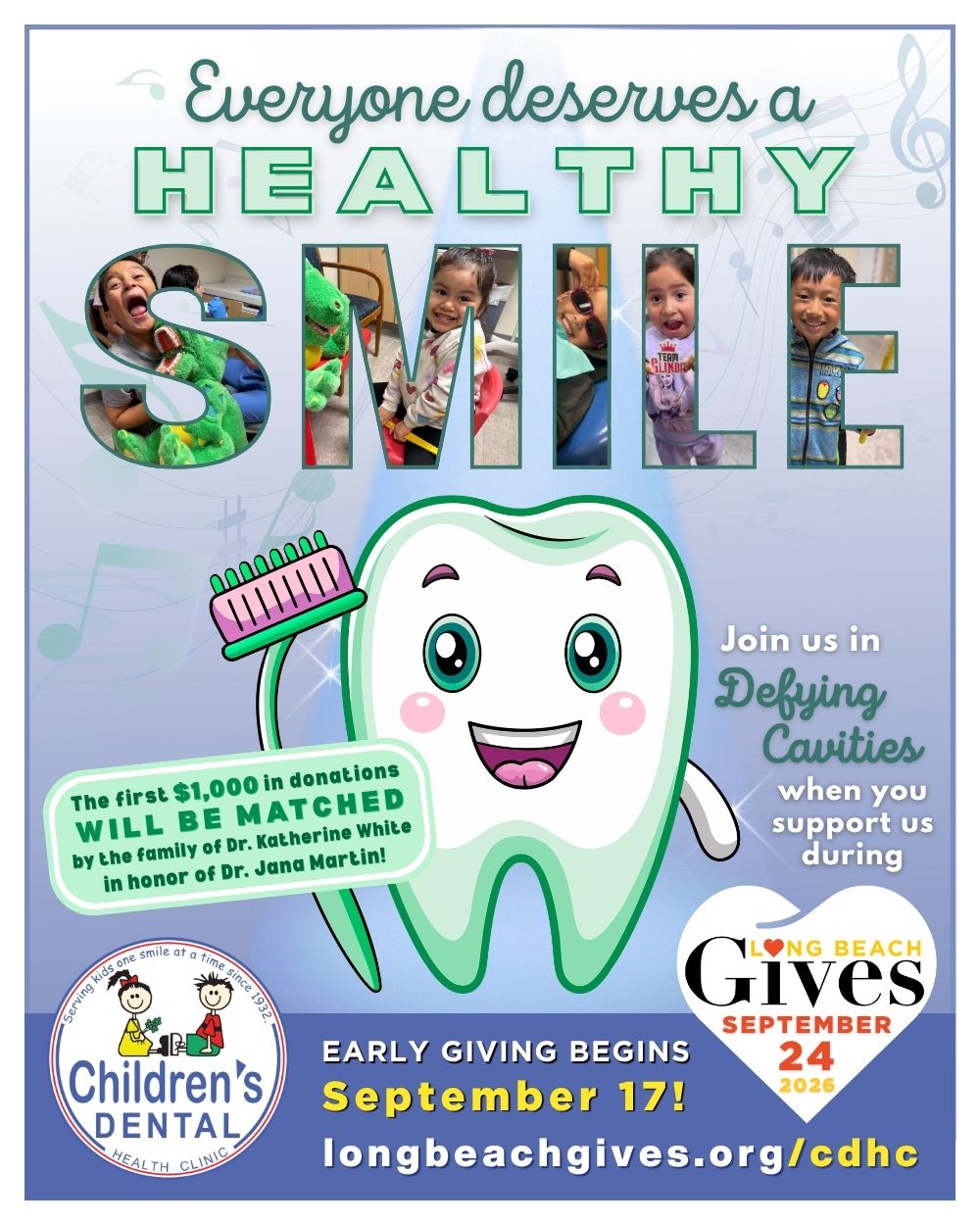 We’re delighted to be part of Long Beach Gives – the annual, city-wide celebration of giving – especially since we’ve been making a difference in Long Beach and beyond for more than 90 years!
Early giving begins on Thursday, September 17 and continues through the official giving day on Thursday, September 24.
It’s just one of the ways we are changing lives – one smile at a time – with your support.
Click here for many ways to support us!
We are thrilled to share that the first $1,000 in donations will be matched by the family of Dr. Katherine White in honor of Dr. Jana Martin!
Dr. Jana Martin is a psychologist who has a long history of contributing her time and talents to numerous organizations serving children and families throughout the Long Beach area. She has supported CDHC for decades, including serving as a board member for many years.
“Katherine was a phenomenal human being – a gifted doctor, a pioneer, a caring and loving person, a force with which to be reckoned, and an inspiring mentor to so many. I was very blessed to have her in my life, so a tribute from ‘The family of Dr. Katherine White’ honoring me is beyond meaningful,” Jana shared. “Then to top it off, it’s supporting CDHC, which has been a part of my life for so many years and is such a significant part of my daughter Mackenzie’s life and work – it’s all quite touching and pretty amazing. I’m deeply honored.”
Jana also shared that she hopes it will inspire others to support CDHC, especially since good oral health is key to good physical and mental health, and she has seen the difference the clinic has made in the lives of children and young adults, especially those with unique needs!
There are many ways to support us during Long Beach Gives:
GIVE through our campaign page September 17-24 – or anytime through our donate page.
CREATE YOUR OWN FUNDRAISING PAGE FOR CDHC by clicking the Fundraise button at the top of our campaign page. Then share it with your friends to help us spread the word, reach our goal and help more kids!
Scroll down for step-by-step instructions, or you can reach out to us at info@cdhc.org and we’ll help you set it up!
LIKE AND COMMENT on our Facebook, Instagram and/or LinkedIn posts.
SHARE our social media posts with your friends.
WRITE your own social media post encouraging others to support us and our campaign.
Share what you love about us/why you support us, encourage others to join you, tag us, and include the URL to our profile page (longbeachgives.org/cdhc) for more info!
How to create your own Fundraising Page for our Long Beach Gives campaign:
See the screenshots that correspond to each step below.
- Go to our campaign page, and click Fundraise at the top.
- Then you’ll see the “Create a Fundraiser” box. Click Get Started.
- Next is the “Build Your Fundraiser” box. We’ve created a template to help you, so keep the “use template” box checked, and click Launch page manager.
- Everything is pre-populated, but feel free to click any of the pencil icons to personalize the different elements on your fundraiser page: Title, Image, Teaser, Goal or Story.
- Scroll down to customize your main story block, and click Save any time you make changes.
- You can also create a custom URL! Click “Settings” on the left, and update the auto-populated field under URL Customization. Click Save, and go back to your story page.
- Double check everything, and then click Publish. After publishing, look for “View your Fundraiser” half-way down the page. Click that to open your fundraiser with the custom URL you created!
- Now you’re ready to share your fundraiser, encouraging others to join you in supporting the Children’s Dental Health Clinic during Long Beach Gives – September 17-24, 2026!
If you have any questions or you would like our help in setting up/customizing your page, please contact Liz Reinhardt, Director of Advancement, at info@cdhc.org or (562) 933-0602.